Zero-Based Budget: Assign Every Paycheck
Zero-based budget: assign every paycheck a job. See how $1,950 deposits map to $3,900 and $5,850 cash months, plus a simple way to handle uneven pay.
By Ultimate Budget Planner by Cosmo Suite · Editorial policy
Published · 9 min read
General information, not financial advice.
Paying every other week can make a monthly budget feel awkward. Ten months of the year may bring two paychecks, while two bring three. A tidy monthly average can hide the amount actually available before the next payday.
For example, take-home pay of $1,950 every two weeks means $3,900 in a two-check month and $5,850 in a three-check month. The annual monthly average is $4,225, but it does not land as a normal monthly deposit. A budget spreadsheet that follows monthly spending from one list can help you compare the plan with what cleared your account.
A zero-based budget handles this by assigning income you expect to receive across bills, spending, and other planned categories until there is nothing left unassigned. A spreadsheet for planning and tracking a household budget can keep those amounts together. You make the plan from actual paychecks, keep the monthly view, and adjust when real spending differs.
Key Takeaways
- Zero-based budgeting means the plan has zero left to assign. It does not mean your bank balance must reach zero.
- With a $1,950 biweekly take-home check, two paychecks bring $3,900 and three bring $5,850.
- Assign cash as it arrives, with bill due dates visible. Do not treat the $4,225 annual average as cash in a two-check month.
- Keep categories consistent so planned amounts and actual spending can be compared.
- A third paycheck gets assigned to actual upcoming costs and goals, based on your own plan.
Zero-based budgeting starts with the money you have
Zero-based budgeting is a method for assigning expected income to planned categories until nothing remains unassigned. Categories can include bills, groceries, transportation, savings, and flexible spending. The plan balances even when cash remains in your account for a later bill.
A zero in the plan does not mean an empty account. Money set aside for next month’s rent can stay in checking while its assignment remains clear. It has a job in the plan, even though you have not spent it yet.
This method is useful when a monthly total alone does not show which paycheck must cover a bill. You can plan by month while giving each arriving deposit a job. Rent due before the next payday belongs against cash already available, not against an average that arrives later.
Zero-based budgeting also does not promise that every category will match the first estimate. A plan is a starting point. You record what you spend, compare it with what you planned, and adjust the next plan. The FTC's Making a Budget guide recommends planning at the start of the month, recording expenses, and using the results for the next month's plan.
Zero-Based Budget: The Decision Table
The main choice is whether you assign money from a monthly estimate or from the cash that reaches you. If your pay is biweekly, a paycheck-based plan can keep due dates and available balances together.
| Pay pattern | Take-home cash in the example | What the plan assigns |
|---|---|---|
| Two $1,950 checks | $3,900 | Bills due, spending, and other planned categories for the month |
| Three $1,950 checks | $5,850 | The same categories, plus any costs or goals not yet assigned |
| Annual total divided by 12 | $4,225 average | A comparison figure, not a paycheck or a two-check month's cash |
Across a year, ten two-check months at $3,900 and two three-check months at $5,850 total $50,700. Divide that by twelve and the monthly average is $4,225. The average helps compare a full year of income with monthly costs, but it is not the cash available in each month.
The amounts use one documented biweekly example. Actual deposit dates vary by employer and calendar. Check your pay dates before deciding which bills each deposit can cover.
The Worked Month
Use the two-check month as the working example. The rent and grocery figures below come from the site's documented budget example. The remaining amount is arithmetic; it is not an estimate of what another household spends.
| Cash in | Planned items shown | Remaining for all other actual categories |
|---|---|---|
| $3,900 | $1,350 rent + $520 groceries = $1,870 | $2,030 |
That $2,030 still has to cover the household's actual utilities, transportation, other bills, spending, and goals. List those categories from your own statements and due dates, then assign their real amounts. When all the rows add up to $3,900, the budget has zero left to assign.
Assign each paycheck in the order it must cover costs
Start with money already deposited or certain to arrive before the next bill date. Assign it to the expenses due before another paycheck arrives.
- Write down the deposit. Use take-home pay, not gross salary. If the amount changes, use the confirmed deposit instead of the largest recent check.
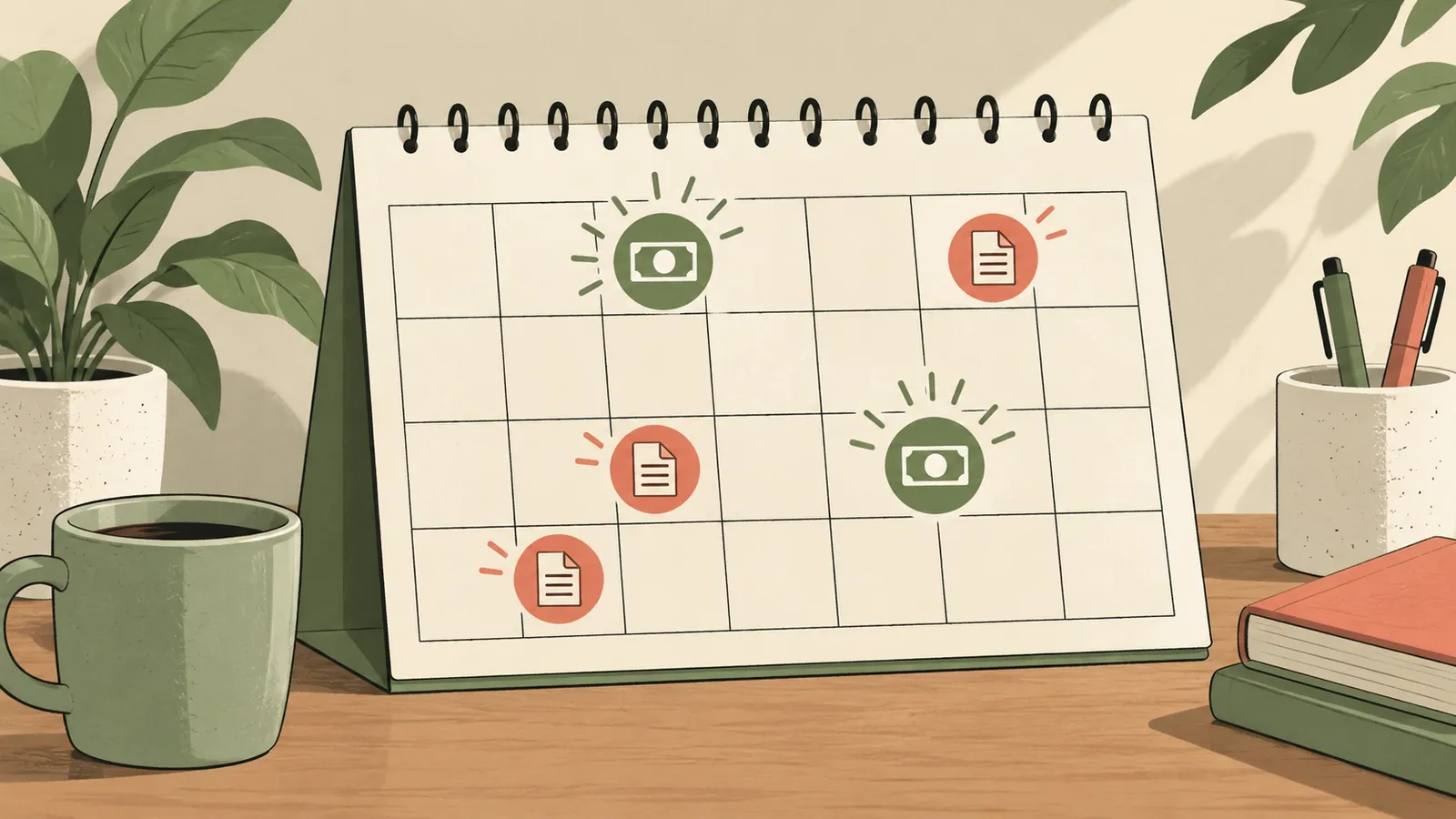
- Mark the due dates. List bills and their payment dates. Put each one beside the deposit that will fund it.
- Add regular spending categories. Use your own recent spending to estimate groceries, fuel, household needs, and other variable costs. Keep the category names stable so you can compare months.
- Assign the remainder. Give the unassigned amount a purpose that fits your plan, such as a future bill, savings, or flexible spending. Do not put the same dollars in two places.
- Check the total. Planned categories should equal the income available for that period. If the total is short, leave the gap visible and review the amounts rather than hiding it in an average.
The sequence follows bill dates and available cash. The category you put first depends on your own obligations. If a bill is due before the next deposit, the current balance needs to cover it. A plan that only balances at month-end can miss that gap.
Keep monthly categories while planning by paycheck
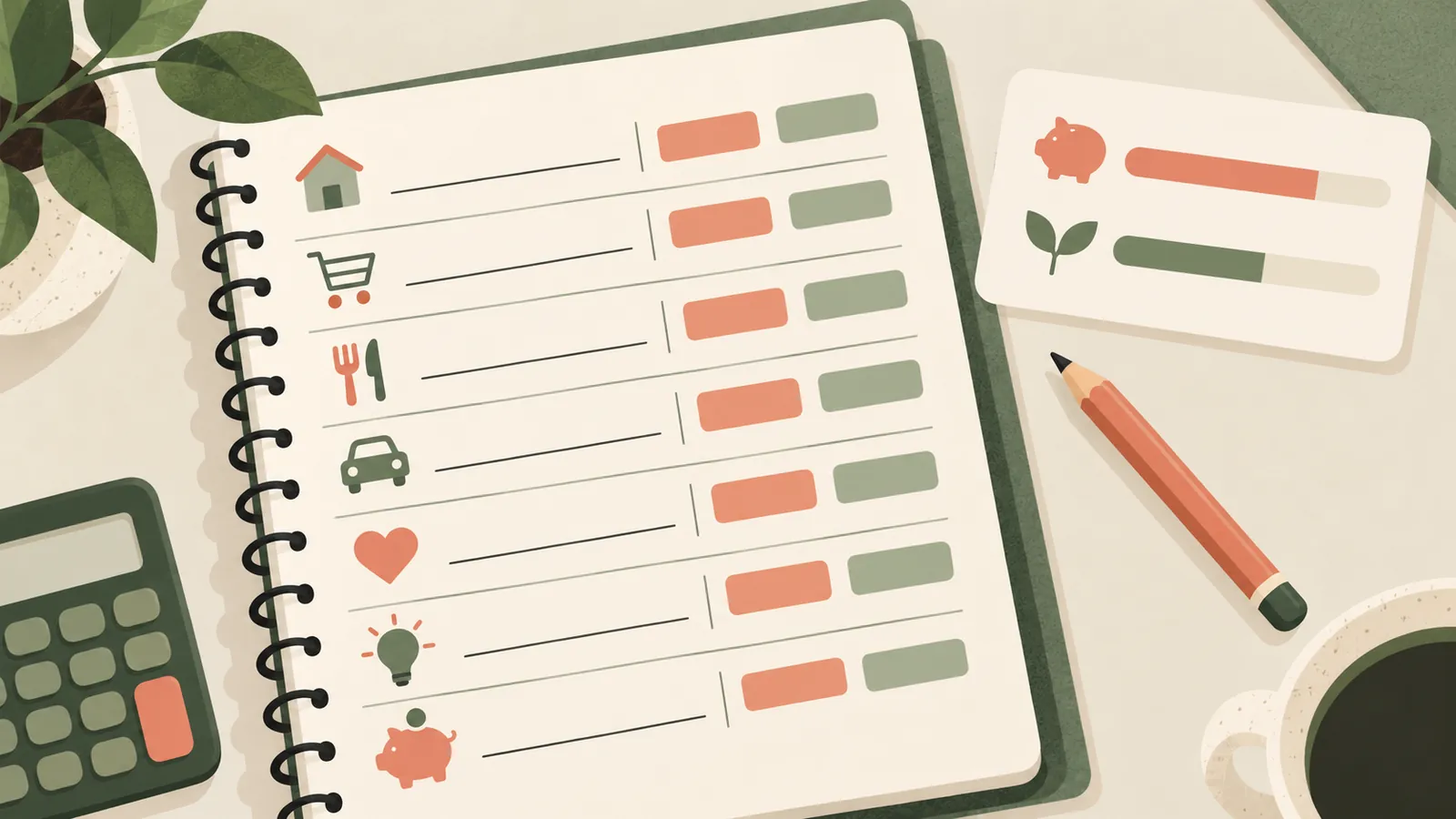
You can keep a single set of monthly categories and fund them with multiple deposits. A grocery category, for instance, can show one monthly plan while each paycheck adds cash to the amount available for the next shopping trip.
This keeps the bookkeeping readable. You do not need a new category for every payday. Record the transaction once, compare actual spending with the monthly amount, and note which deposits funded upcoming bills. The FTC Budget Worksheet gives a simple income-minus-expenses layout. The CFPB's Your Money, Your Goals tools include a spending tracker and cash-flow budget resources.
A monthly category can still run low before the month ends. When that happens, use the current balance and remaining pay dates to update the plan. Move money only once: reduce one planned category before increasing another. Otherwise the budget can look balanced on paper while promising the same dollars twice.
Keep the planned amount and the available amount separate in your records. The monthly plan says how much you expect to spend in that category. The available amount says how much of the assigned cash remains after transactions post. If those two views get mixed together, a budget can show room to spend that has already gone to another bill.
Give a third paycheck a job before it arrives
A third paycheck increases the cash received in that month, but it should not be counted as regular monthly income if it only arrives twice a year. Keep it visible as an additional deposit and decide which actual unassigned costs it will cover.
Write down the assignment before the deposit arrives. That makes it easier to tell the difference between money already planned for an upcoming cost and money still available for a new category. If the expected cost changes, update the plan and keep the remaining amount visible.
Look ahead at bills and costs that do not happen every month, such as annual renewals or seasonal expenses. You can also assign money to a goal already in your budget. The categories and amounts depend on your own dates and obligations; there is no standard split that fits every household.
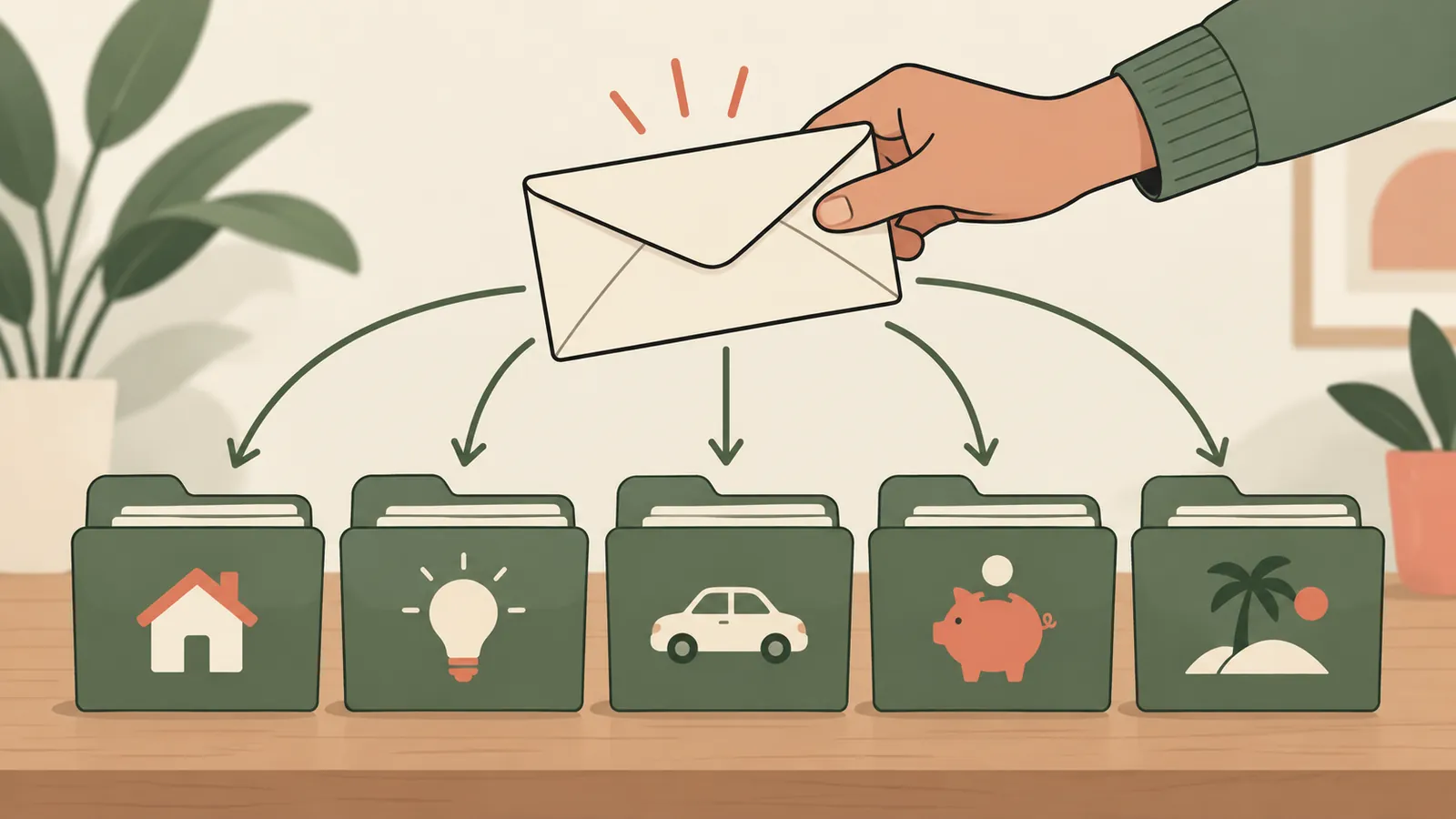
If a bill is already funded by the first two checks, do not assign the third check to it again. Mark the funded amount, then use the remaining cash for other categories. This is where a zero-based plan helps: every deposit gets accounted for without pretending each month has the same income.
Handle uneven income without budgeting an average as cash
When pay varies, start with confirmed money and known bill dates. Build the first version of the plan from the deposits you can count on. When another deposit arrives, assign it then. This leaves the plan tied to real cash instead of relying on an optimistic monthly estimate.
If your income is regular but not monthly, an annual total divided by twelve can help compare income with monthly expenses. The FTC describes that calculation for people who are not paid monthly. It is still an estimate: it does not tell you the exact amount or timing of each deposit.
If the plan shows less income than expenses, the zero-based calculation will not balance. Check for duplicate entries or outdated bills, then review the actual categories. The result is useful because it names the shortfall. A spreadsheet cannot remove it, and the next step depends on your situation. Keep this as budgeting mechanics, not a direction to borrow, invest, or change debt payments.
Start with one paycheck and update the next plan
You do not need a perfect category list before you begin. Start with the bills due before the next deposit and a short list of regular spending categories.
- Gather recent pay stubs, bills, and account transactions. The FTC recommends using bills and pay stubs to start a budget.
- Enter the take-home amount you expect to receive and the dates it should arrive.
- Add the bills due before the next check, then planned spending and other categories.
- Check the remaining amount. If it is positive, assign it. If it is negative, review the plan and keep the gap visible.
- Record actual spending and compare it with the plan. Use what happened to set the next paycheck or month.
You can use paper, a spreadsheet, or a budgeting app. A spreadsheet asks you to enter transactions yourself. An app may suit you better if automatic bank syncing and phone entry are more important than working from a file you manage.
Why Trust This Article
Cosmo Suite makes Ultimate Budget Planner. The About page identifies the publisher, and the editorial policy explains how articles are checked and corrected. The paycheck figures are the site's documented example: $1,950 biweekly take-home pay, with $3,900 in a two-check month and $5,850 in a three-check month. The $4,225 figure is the annual average divided by twelve, not a monthly deposit. The rent and grocery amounts are shown only as parts of that example; the remaining $2,030 is subtraction, not a household spending estimate. This article explains budgeting mechanics and is not financial advice.
Where the Ultimate Budget Planner Fits
A spreadsheet can help when you want planned and actual spending in one place. Ultimate Budget Planner includes 28 tabs across four sections, with Excel and Google Sheets versions, auto-fill tabs, and automated dashboards. Its monthly tabs let you choose between carried-over and zero-based budgeting, and the file is reusable each year with no subscription.
You enter or paste transactions yourself. A budgeting app may fit better if you want automatic bank syncing or phone entry. If you prefer a spreadsheet, Ultimate Budget Planner's budget file gives you a ready-made layout for managing those categories. You can also compare it with a budget spreadsheet built from a simpler monthly layout.
For a zero-based plan, begin with the cash that arrives, assign it once, and keep each due date beside the category it needs to cover. Review the actual spending before you make the next plan.
Frequently asked questions
What is a zero-based budget?
A zero-based budget assigns expected income to planned categories until the plan has zero left to assign. Your bank account can still have money in it; zero describes the budget's unassigned balance.
How do I make a zero-based budget with biweekly pay?
Plan with the checks that arrive in each month. Assign each take-home deposit to bills, spending, and other planned categories, then keep the due dates beside the paychecks that cover them.
Does zero-based budgeting mean spending all my money?
No. A zero-based budget gives all expected income a planned purpose. That purpose can be a bill, spending category, savings goal, or money you leave in your account for a future month.
What if my expenses are higher than my income?
The plan will have a negative amount left to assign. Check that the income and bill amounts are current, then review categories and timing. The budget makes the gap visible; it cannot make the income cover more than it does.
Should I use monthly or paycheck categories?
You can keep monthly categories and assign cash to them as each paycheck arrives. Track both the monthly plan and the dates when deposits and bills reach your account.
What should I do with a third paycheck in a month?
List the real costs and goals that are still unassigned, then decide which ones that deposit will cover. A three-paycheck month has more cash than a two-paycheck month, but the right assignment depends on your own bills and plans.